

|
|
 IMF Tune - Bringing Back the Exchange Connection Filter
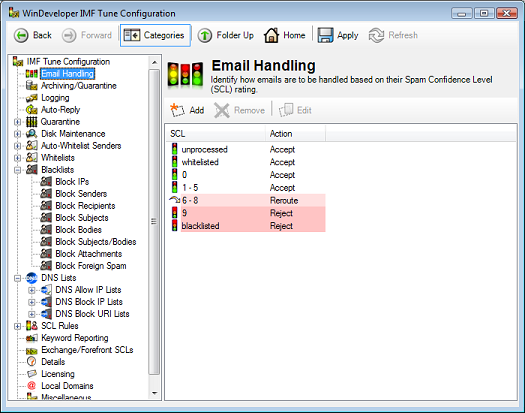
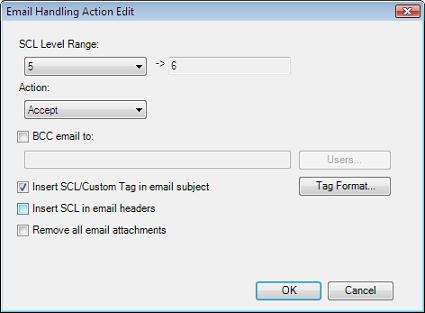
Which IMF Tune actions replace the Exchange Content Filter/Forefront Gateway Blocking?The Exchange 2007/2010/2013/2016/2019 Content Filter provides the Quarantine, Reject and Delete gateway blocking options. These may be replaced at IMF Tune by the Reroute, Reject and Delete Email Handling actions. The Forefront Content Filter provides Quarantine, Reject and Delete gateway blocking. The Forefront Quarantine is a central store, accessible from the Forefront Management Console. These are replaced at IMF Tune using the Web Moderator/Reporting component and the Email Handling Reject and Delete actions.
Reroute, Delete or Reject Actions at IMF Tune
IMF Tune Web Moderator/Reporting ComponentThe IMF Tune Web Moderator/Reporting Component replaces and adds tons of functionality over the Forefront Quarantine. For more details on this please refer to the IMF Tune Moderator/Reporting Manual.
|