Installing ODBC Driver 13 for SQL Server
IMF Tune version 8 raised its minimum ODBC Drivers requirement. These may not be readily installed; in which case we have to download and install them ourselves.
If these drivers are missing, starting an IMF Tune installation will greet you with "ERROR: Missing ODBC Driver 13 for SQL Server".
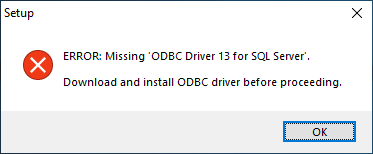
The steps that follow shows our installation on a Windows 2019 server but the same applies for earlier Windows version.
Download the drivers from:
Microsoft ODBC Driver 13.1 for SQL Server - Windows, Linux, & macOSSelect the 64-bit installation and complete the download:
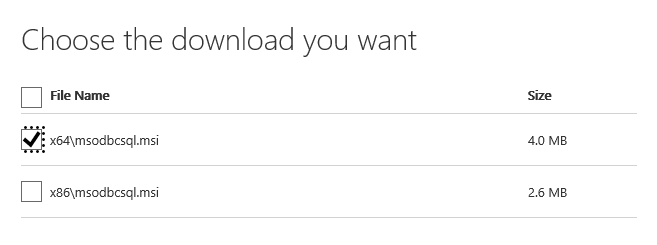
64-bit download Start the installation and click your way through it. The 'Client Components' option is enough for IMF Tune to work:
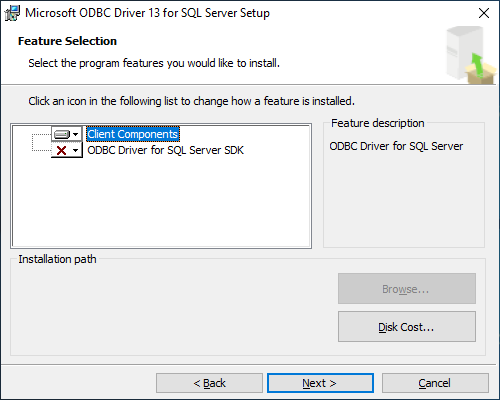
Client Components At the end you may be prompted to restart the server.
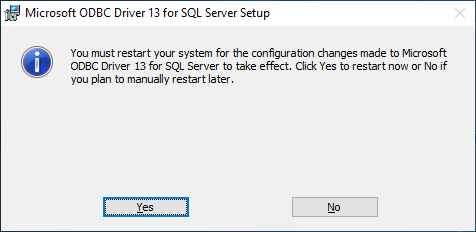
Server Restart
With the restart out of the way you will be ready to install IMF Tune.